
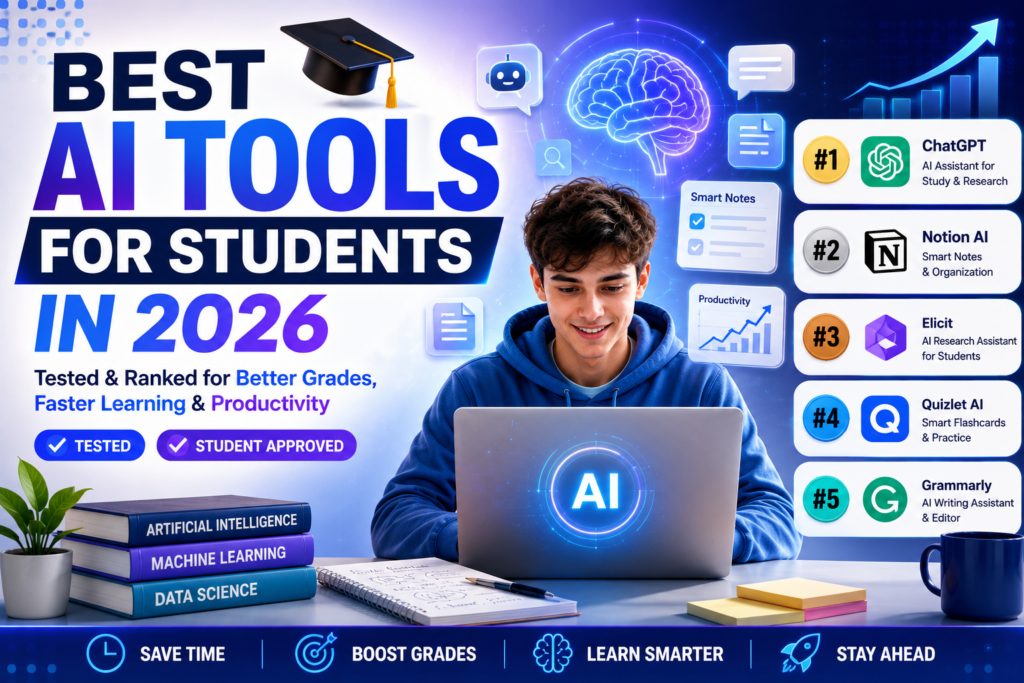
Most “best AI tools for students” lists are the same 15 tools reshuffled with generic one-liners. The actual difference in outcomes isn’t which tools you have access to — it’s using a small number of them correctly, in ways that build understanding instead of shortcutting it. Here’s what genuinely helps, and where I’d draw a hard line on how to use it.
1. Claude or ChatGPT — Explaining Concepts, Not Writing Your Essays
The highest-value use of a chat model as a student is asking it to explain a concept you’re stuck on in a different way than your textbook or lecture did — “explain this like I’m seeing it for the first time” or “walk through this problem step by step and stop after each step so I can try the next part myself.” Used this way, it’s closer to a patient tutor than a shortcut. Used to generate finished essays you submit as your own work, it’s academic dishonesty and increasingly easy for AI-detection tools and attentive instructors to catch on your specific writing patterns — not worth the risk to your actual grade or standing.
2. Perplexity — Research With Actual Sources
For research papers and assignments requiring citations, Perplexity’s source-linked answers are more useful than a plain chat model precisely because you can click through and verify — and your professor can tell the difference between a properly sourced claim and a confidently invented one. Never cite an AI chat response directly as a source; always trace back to the real underlying source it points to.
3. Notion AI — Organizing Notes and Study Schedules
If you already take notes in Notion, using its AI features to turn a messy lecture dump into organized, searchable notes with a summary at the top is a genuine time-saver at exam-review time. The value is organization, not the AI writing your understanding for you — you still have to do the reading.
4. A dedicated flashcard/spaced-repetition tool with AI-generated cards
Several study apps now auto-generate flashcards from your notes or textbook chapters. This works well as a starting deck, but review and edit the auto-generated cards — AI sometimes produces cards that test recognition of a phrase rather than real understanding of a concept, which won’t help you on an exam that asks you to apply the idea differently than the textbook phrased it.
5. Grammarly — Editing, Not Ghostwriting
Grammar and clarity checking on your own writing is fine and expected; letting it substantially rewrite your sentences crosses into the same territory as having AI write the essay for you. Use it to catch what your own eyes miss on a final pass, not to replace your voice.
Where I’d draw the line
Before using any AI tool for a specific assignment, check your institution’s actual academic integrity policy — these vary significantly between schools and even between individual professors’ course policies, and “everyone uses AI” isn’t a defense if your specific course prohibits it. The tools above are genuinely useful for understanding material faster and organizing your workload; they’re not a way to skip doing the actual learning, which is still what the grade — and eventually the job — is testing for.
Tool features and pricing change often — the specifics above reflect what I found true when I last tested each tool; always check your school’s current AI policy before using any tool on graded work.
Using AI Tools Without Hurting Your Learning
Use AI to explain difficult ideas, organize notes, and check your understanding, then try to solve problems yourself before looking at answers. Always verify facts, keep track of sources, and follow your school’s academic integrity policy, since submitting AI-written work as your own can be treated as misconduct.
Choosing Tools on a Student Budget
Look for free tiers and student discounts, and avoid paying for several tools that do the same thing. Check privacy settings before uploading assignments or personal information.
Frequently Asked Questions
Can teachers detect AI use? Detection tools are unreliable, but schools may use other signs, so follow the rules.
Should I cite AI? Follow your instructor’s guidance on disclosure.
Can AI replace studying? No, it supports learning but does not do it for you.
Features and prices change, so confirm on each tool’s site. Some links may be affiliate links.