
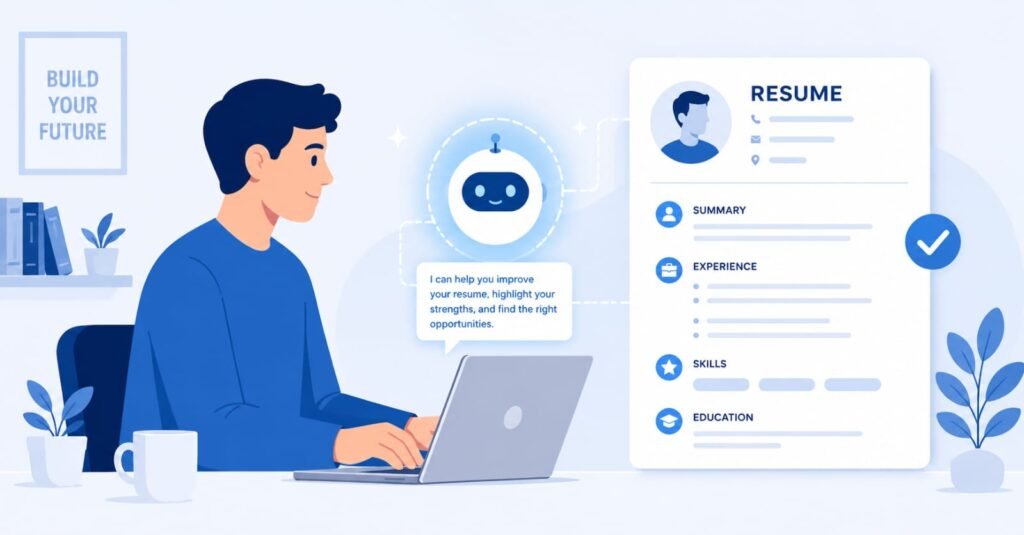
A job search involves a lot of repetitive work: adapting resumes, writing cover letters, researching employers, and preparing for interviews. AI assistants such as ChatGPT, Claude, and Gemini can speed up several of these tasks, provided you stay in control of the facts and the final wording. This guide lays out a practical five-step workflow you can adapt to your own situation. Results depend on your field, experience, and the job market, and no tool can guarantee interviews or offers.
Where a Job Search Typically Loses Time
Many candidates send the same resume to every posting, write generic cover letters, and walk into interviews with only surface-level knowledge of the company. Each of these problems is fixable with better preparation, and AI can shorten the preparation time, but it cannot replace honest self-assessment or real experience.
Step 1: Tailor Your Resume to Each Posting
Paste the job description and your current resume into an AI assistant and ask it to list the keywords and skills the posting emphasizes, then to show which of them your resume already supports. Use the output to reorder bullet points and adjust wording, but only claim experience you actually have. Applicant tracking systems and recruiters both respond to clear, relevant language, so mirroring the posting’s terminology where it is accurate can help.
Step 2: Draft Specific Cover Letters
A useful cover letter connects one or two of your achievements to a problem the employer has. Give the AI the job description, your key accomplishments, and a note about why the company interests you, then ask for a first draft in your own tone. Edit it heavily: remove filler, add a real detail about the company, and keep it short. A generic letter produced without your input tends to read as generic.
Step 3: Research the Company Quickly
Ask an AI tool to summarize what a company does, its products, competitors, and recent news, then verify the important points on the company’s own website and in reliable news sources, since AI can be out of date or wrong. Prepare three questions that show you understand the business. Tools with web search, such as Perplexity, can link to sources you can check.
Step 4: Practice Interview Answers
Ask the AI to act as an interviewer for the role and to ask follow-up questions after each answer. Practice with the STAR structure, which covers the situation, task, action, and result, and prepare a handful of real stories from your work. Have the AI point out vague answers, but rely on your own examples rather than invented ones.
Step 5: Follow Up Thoughtfully
After an interview, send a short thank-you note that refers to something specific you discussed. AI can help polish the draft, but personal details should come from you. Track each application, the date, and any follow-up in a simple spreadsheet so nothing slips.
What AI Cannot Do for You
AI cannot verify your experience, build your network, or make you the right fit for a role. It can also produce confident errors. Never submit anything you have not read carefully, and avoid pasting sensitive personal data into tools whose privacy terms you have not reviewed.
A Sample Weekly Routine
Consistency matters more than intensity. A workable weekly routine is to spend one session researching roles and saving postings, one session tailoring resumes and drafting cover letters for the best three to five matches, one session on networking messages, and one session practicing interviews. Keep a running document of your strongest accomplishments, written with numbers where you can support them, so each application starts from real material instead of a blank page.
Prompts That Tend to Work
Give the AI a role, your real material, and a clear task. For example, ask it to act as a hiring manager for a specific role, review your resume against the posting, and list the three weakest points. Ask for questions rather than answers when practicing, so you have to respond in your own words. Save prompts that produce useful results and reuse them, adjusting the details each time.
Protecting Your Privacy
Resumes contain personal information. Before uploading yours, read the tool’s data policy, remove unnecessary details such as your full home address, and avoid sharing documents that belong to a current employer. If you use a work computer, do not use it for your job search.
Networking Still Matters
Many roles are filled through referrals. Use AI to draft a short, friendly message to a contact, but personalize it and keep it brief. Ask for advice or a short conversation, not a job, and follow up politely once.
Frequently Asked Questions
Will employers know if I use AI to write my cover letter? Some may suspect it if the letter is generic. Edit the draft so it reflects your voice and specific examples.
Is it dishonest to use AI to tailor my resume? Not if everything stated is true. Using AI to reword and organize your real experience is similar to using an editor. Inventing experience is not acceptable.
Which AI tool is best for job searching? Several general assistants work well. Try the free tiers and choose the one whose writing you prefer.
Does this work for all industries? The workflow is general, but expectations vary by field, so adjust for your industry’s norms.
This article is general information, not career or legal advice. Tool features and pricing change, so check each provider’s site.